
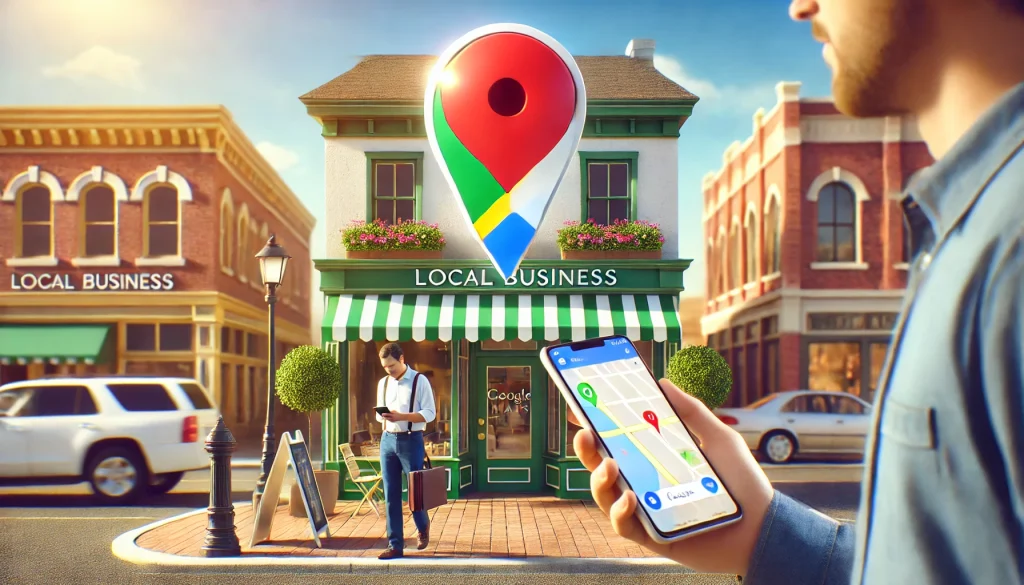
How Do Local Businesses Easily Rank on Google Maps?
This topic focuses on the strategies and techniques local businesses can use to improve their ranking on Google Maps. Ranking high on Google Maps is crucial for businesses because it boosts visibility, attracts local customers, and drives foot traffic of website visits. Google Maps ranks businesses based on relevance, distance, and prominence, but certain steps can make it easier for a business to stand out.
The purpose of this topic is to inform local business owners, digital marketers, and SEO professionals about actionable methods to optimize their Google My Business (GMB) profiles and improve their chances of ranking higher. The article will provide insights on:
- Optimizing the Google My Business listing
- Gathering positive reviews from customers
- Utilizing keywords and descriptions
- Consistently updating business information
- Leveraging local SEO strategies like citations and backlinks
Google Maps ranking is essential for local businesses to attract nearby customers. To rank higher, businesses should focus on the following key strategies:
1. Optimize Google My Business (GMB) Profile
Create and verify your Google My Business listing. Ensure the profile is fully filled out with accurate business name, address, phone number (NAP), and other relevant information like operating hours and services.
2. Use Relevant Keywords
Incorporate local keywords in your business description, services, and even in your replies to customer reviews. For example, a bakery in Los Angeles could use terms like “best bakery in LA” or “Los Angeles cakes” to improve local search results.
3. Encourage Positive Reviews
Customer reviews are a strong ranking factor. Encourage satisfied clients to leave reviews and respond to them promptly, using keywords naturally.
4. Consistent NAP Data
Ensure that your business name, address, and phone number (NAP) are consistent across your GMB profile, website, and other online directories. Inconsistent NAP data can confuse search engines and hurt your ranking.
5. Local Citations and Backlinks
Citations (mentions of your business on other websites) from reputable local directories and backlinks from authoritative sources can help improve your Google Maps ranking.
6. Add Photos and Posts
Regularly update your GMB profile with high-quality photos and posts about offers, events, or new products. This keeps your profile engaging and signals to Google that your business is active.
7. Engage in Local SEO
Use local SEO tactics such as adding location-based keywords on your website and blog. Embed Google Maps on your contact page to strengthen the association between your business and its local area.
8. Mobile Optimization
Ensure your website is mobile-friendly. Many users search for businesses on mobile devices, and Google takes mobile optimization into account when ranking businesses.
9. Monitor Insights
Google My Business provides insights on how users find your business and what actions they take. Use this data to refine your strategy and focus on what’s working.
By implementing these strategies, local businesses can significantly boost their visibility on Google Maps, attract more customers, and grow their local presence.
Ultimately, the goal is to help local businesses understand how to become more discoverable in local search results and gain a competitive edge on Google Maps.
FAQ’s
What Is GMB?
GMB stands for Google My Business, a free tool provided by Google that allows businesses to manage their online presence across Google Search and Google Maps. With GMB, you can update important details like your business hours, address, phone number, and more. It also lets you interact with customers by responding to reviews, adding photos, and posting updates, all of which can improve your visibility and ranking on Google Maps.